Free Audit
Get a health check for your ads in 30 seconds
Learn how to run a free health check on your Google Ads account in about 30 seconds — no credit card required.
What is an audit?#
An audit is a check-up for your ads. Think of it like going to the doctor, but for your advertising. Instead of checking your heart rate and blood pressure, AdWhiz looks at your ad campaigns and tells you what's working and what's not.
The free audit takes about 30 seconds. It scans your entire Google Ads account, analyzes the data, and gives you a simple summary of your ad health. You don't need to install anything or give AdWhiz your credit card.
What does the free audit check?#
When AdWhiz runs an audit, it looks at four key areas of your advertising account:

Wasted Spend
How much money you might be wasting on ads that aren't getting results. For example, keywords nobody clicks on, or ads shown to people who will never buy.

Campaign Performance
Which of your campaigns are doing great and which ones need help. AdWhiz ranks them so you know where to focus your attention first.

Cost Per Conversion
Your best and worst CPA (cost per action). This tells you how much it costs to get someone to do what you want — like making a purchase or signing up. A big gap between your best and worst means there's room to improve.

Quick Wins
Easy changes that can save you money fast. These are simple fixes that don't take much effort but can make a big difference in your results.
How to run a free audit#
Running your first audit is easy. Just follow these steps:
Go to the audit page
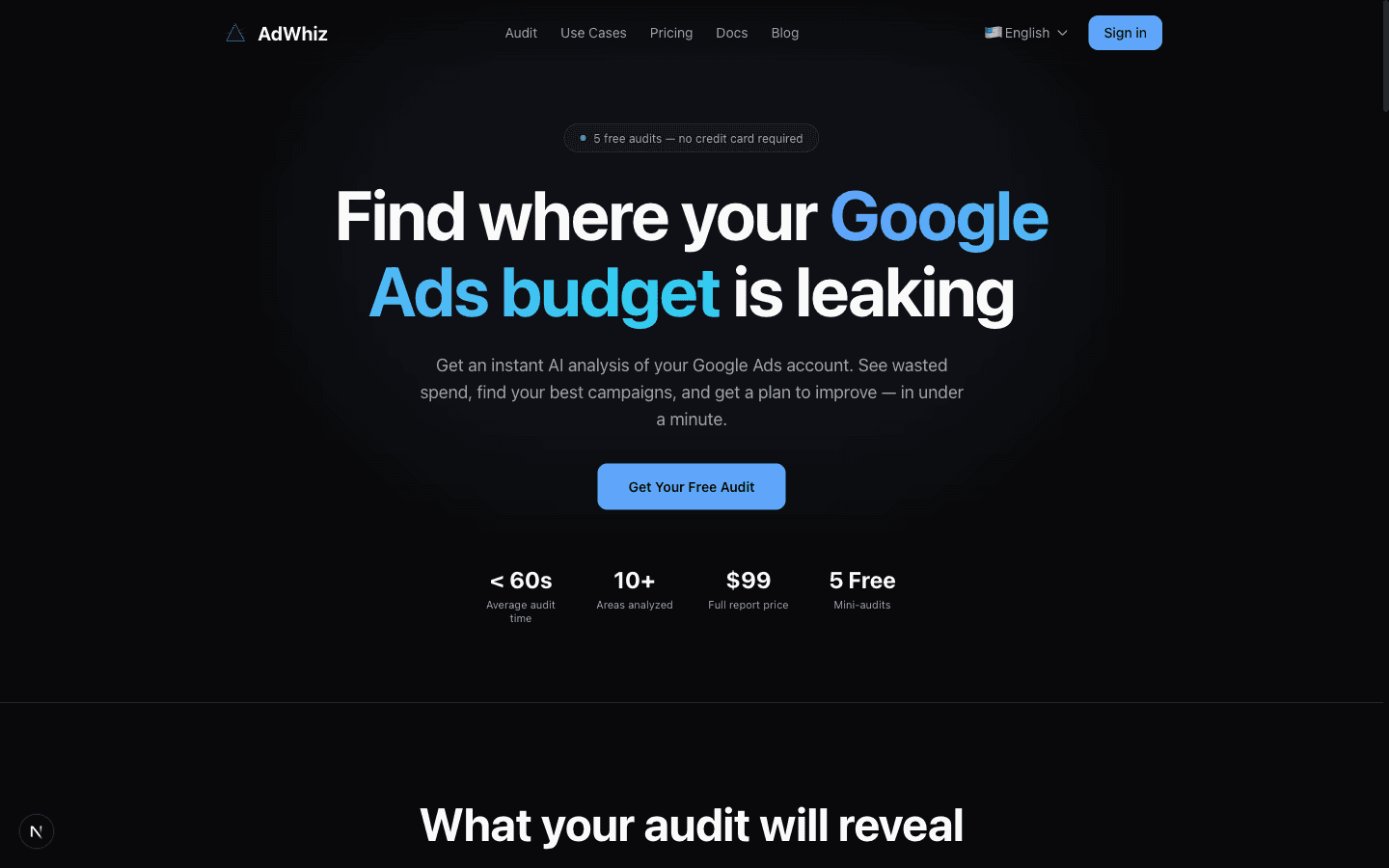
Open your browser and visit adwhiz.ai/audit. You'll see a simple page asking you to get started.
Enter your email
Type in your email address. This is where AdWhiz will send your results if you want to save them for later.
Connect your Google Ads account
Click the blue 'Connect Google Ads' button. Sign in with your Google account and grant permission. This takes about 30 seconds.
Choose which ad account to check
If you have more than one Google Ads account, you'll see a list. Pick the one you want to audit. If you only have one account, it will be selected automatically.
Wait about 30 seconds
AdWhiz scans your campaigns, keywords, ad groups, and spending patterns. A progress bar shows how far along the analysis is. This usually takes 30–60 seconds.
See your results!
Your audit is done! You'll see a summary page with your scores, problem areas, and recommended actions. Scroll down to see all the details.
Understanding your results#
Your audit results page shows three key numbers. Here's what each one means:
| Number | What it means | Why it matters |
|---|---|---|
| Wasted Spend | The amount of money going to ads that aren't getting results | This is money you could save. A high number means there are quick fixes available. |
| CPA Spread | The gap between your cheapest and most expensive conversions | A big spread means some campaigns are way more expensive than others. You can shift budget from the expensive ones to the cheap ones. |
| Projected Savings | How much money you could save if you follow the recommendations | This is your potential upside. It gives you a sense of how much room there is to improve. |
Understanding Your Numbers
The results page shows metrics like wasted spend, keyword quality, CPA efficiency, and budget utilization. Each metric is color-coded: green means good, yellow means needs attention, red means there's a problem to fix.
Your audit runs every day automatically
Once you've connected your Google Ads account, AdWhiz runs a fresh audit every day automatically. You don't need to do anything — just check back regularly to track your progress and see if things are getting better!
No credit card required
The free audit is completely free. You do not need to enter a credit card or sign up for a paid plan. Just connect your Google Ads account and go.
What's next?#
After your free audit, you have a few options:
- **Explore the dashboard** — sign in to see your health score, AI recommendations, and campaign details. See the Dashboard Overview guide.
- **Get the full report** — want a professional, detailed PDF you can share with your team? See the Full PDF Report page.
- **Start fixing things** — use the AI Chat to ask questions and get step-by-step instructions on improving your ads.